cozyconvert vs squoosh: which image tool fits your workflow?
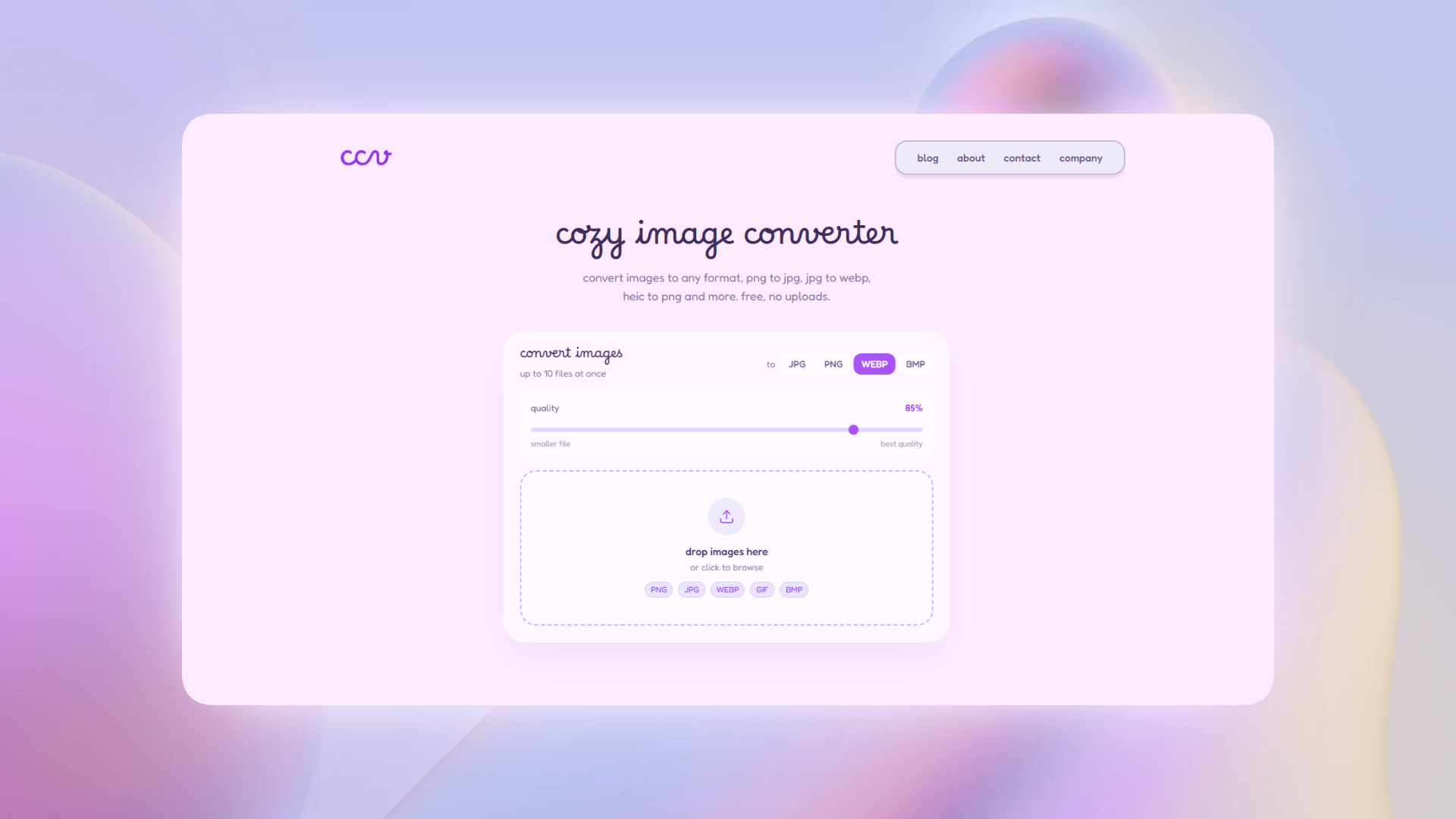
both tools process selected images locally, but they solve different problems. Squoosh gives one image detailed codec and visual-comparison controls; CozyConvert favors a simpler three-format workflow for batches. this page explains the tradeoff without pretending one tool is best for everyone.
why people look for squoosh alternatives
Squoosh, built as an open-source project by Google's Chrome Labs team, shows a before/after comparison at different compression settings and supports more codecs than CozyConvert. its own documentation says image compression happens locally rather than sending the selected image to a server.
but it has real friction for casual use. the interface is built around compression tuning, not simple format conversion. if you just want to turn a webp into a jpg, or convert a batch of pngs to webp, squoosh puts you through more steps than necessary. it also only handles one image at a time.
CozyConvert is narrower by design: PNG, JPG, and WEBP, up to 10 images at once, and one ZIP for batch output. Squoosh is the stronger choice when codec detail and visual tuning matter more than batching.
cozyconvert vs squoosh
| CozyConvert | Squoosh | |
|---|---|---|
| files uploaded | never | never (also local) |
| batch conversion | yes, up to 10 | no, one at a time |
| supported formats | PNG, JPG, WEBP | PNG, JPG, WEBP, AVIF, and more |
| interface | simple, conversion-focused | detailed, compression-focused |
| made by | Serendipiware (indie) | |
| price | free | free |
which tool is right for you
use cozyconvert if...
you need straightforward png, jpg, or webp conversion, you want to convert multiple images at once, or you care about your image files not leaving your device. it's also simpler if you don't need advanced compression controls.
use squoosh if...
you're a developer who wants fine-grained control over compression settings, wants to compare visual quality at different compression levels, or needs formats like avif that cozyconvert doesn't support yet.
privacy is the real difference
both Squoosh and CozyConvert process selected image files locally. Squoosh documents that behavior in its open-source privacy notes. CozyConvert explains its browser canvas and blob workflow on the About page.
the meaningful difference is workflow, not a claim that one local tool is inherently more private. choose CozyConvert for simple batches and Squoosh for deeper codec controls and visual comparison.
convert images for free without uploading them
supports PNG, JPG, WEBP · batch up to 10 images · ZIP download
try cozyconvert, it's free